



Thorfortune Mobile Platform
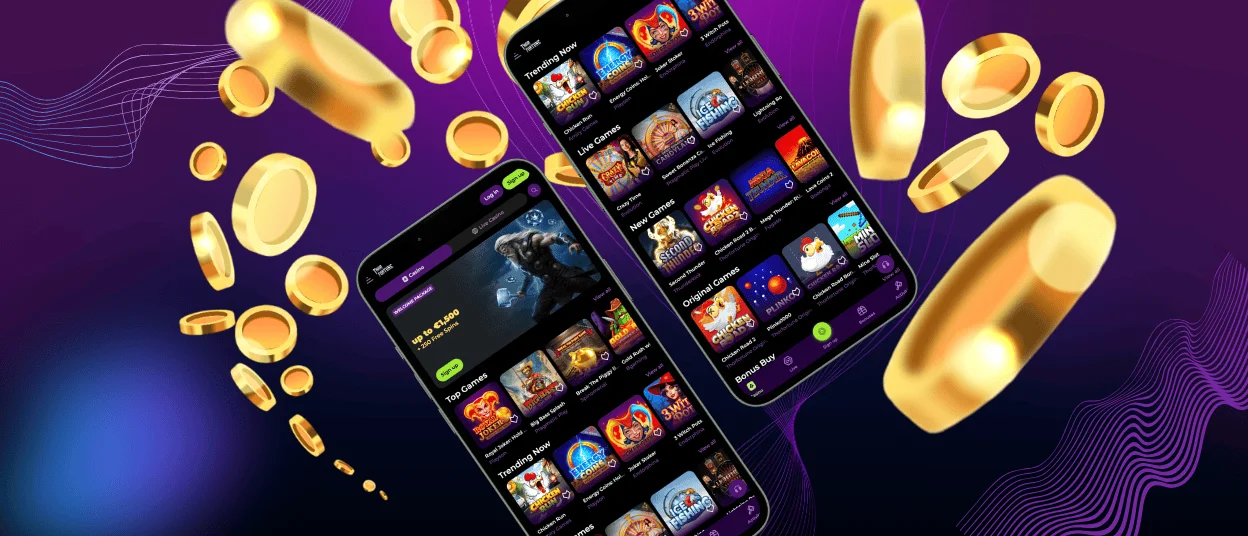
The Thorfortune app will make your experience way more convenient, as it is compatible with all modern devices and allows you to play on the go. No matter if you have an Android or iOS phone, you’ll get fast loading and smooth gameplay. All functions, design and navigation will be familiar to you, as they reflect the main PC website. The installation can be done quickly, straight from our website.

Core Features of the Thorfortune App
A large share of our players prefer mobile access because it allows continuous account control and uninterrupted gameplay. The Thorfortune mobile casino is available in two formats: a browser-based version and the dedicated Thorfortune app built as a Progressive Web App (PWA). Both versions provide identical access to the lobby, cashier, bonuses, and support channels.
| Feature | What It Means for the User |
| Mobile-optimized interface | Layout adapts to screen size with simplified navigation and clear category access |
| Fast game loading | Optimized data flow reduces waiting time between rounds |
| Stable performance | Background processes are streamlined for consistent sessions |
| Touch-responsive controls | Accurate tapping, scrolling, and bet placement |
| Secure mobile sessions | Encrypted connection and protected login flow |
| Automatic updates | The latest version runs without manual installation updates |
The Thorfortune app maintains the same account wallet, bonus section, and game filters available on the desktop platform. Users do not need separate credentials; the same account functions across all devices.
Mobile vs. PC: Functional Comparison
While the desktop version remains suitable for extended sessions and larger screens, the Thorfortune app is structured for flexibility and quick access. The difference is primarily related to format rather than features.
| Aspect | Thorfortune App | PC Version |
| Accessibility | Instant access from the home screen | Browser-based access |
| Navigation | Touch-optimized categories | Mouse and keyboard navigation |
| Game Library | Full access to online slots and Live Casino Games | Full access |
| Payments | Integrated mobile cashier | Integrated desktop cashier |
| Support | Built-in live chat | Live chat and email |
| Updates | Automatic via PWA | Automatic via website updates |
Both formats provide the same gaming experience in terms of bonuses, tournaments, deposit methods, and withdrawal processing. The choice depends on user preference rather than feature availability.
Playing on Android Devices
The Thorfortune app is compatible with modern Android versions and is optimized for mobile performance. We designed the mobile interface to reduce loading times and limit unnecessary background data usage.
Touch controls are calibrated for precision. Users can spin reels, adjust stakes, or access account tools without delays. Even extended sessions remain stable due to performance optimization and simplified interface layers.
To install the Thorfortune app on Android, users can:
- Open our website in a mobile browser
- Select the “Add to Home Screen” option
- Confirm installation to create the app icon
The installation does not require additional downloads from external stores because the app operates as a secure web-based solution.
Mobile Access on iOS
For iOS users, the Thorfortune mobile casino operates through both browser access and PWA installation. The interface automatically adjusts to screen resolution and orientation. Online slots, table games, and Live Casino Games load in a mobile-adapted format without removing features available on desktop.
Registration, deposits, withdrawals, and bonus activation are fully supported inside the Thorfortune app. Users can also complete the verification process directly from their mobile device, including document uploads if required.
The installation process mirrors standard PWA setup steps and allows the Thorfortune icon to appear on the home screen within seconds.
Security and Data Protection in the Thorfortune App
Security standards in the Thorfortune mobile casino match those applied on desktop. All sessions are protected with encrypted connections, and login credentials are processed through secure authentication systems. We use monitoring tools to detect irregular account behavior and prevent unauthorized access attempts.
The verification process is mandatory before the first withdrawal and can be completed from the mobile interface. This ensures that transactions remain protected and linked to verified accounts.
Players who need clarification regarding account security or payments can contact our Support Team through live chat at any time. The live chat function is integrated directly into the app, allowing real-time assistance without leaving the gaming environment.
Desktop Access via Thorfortune
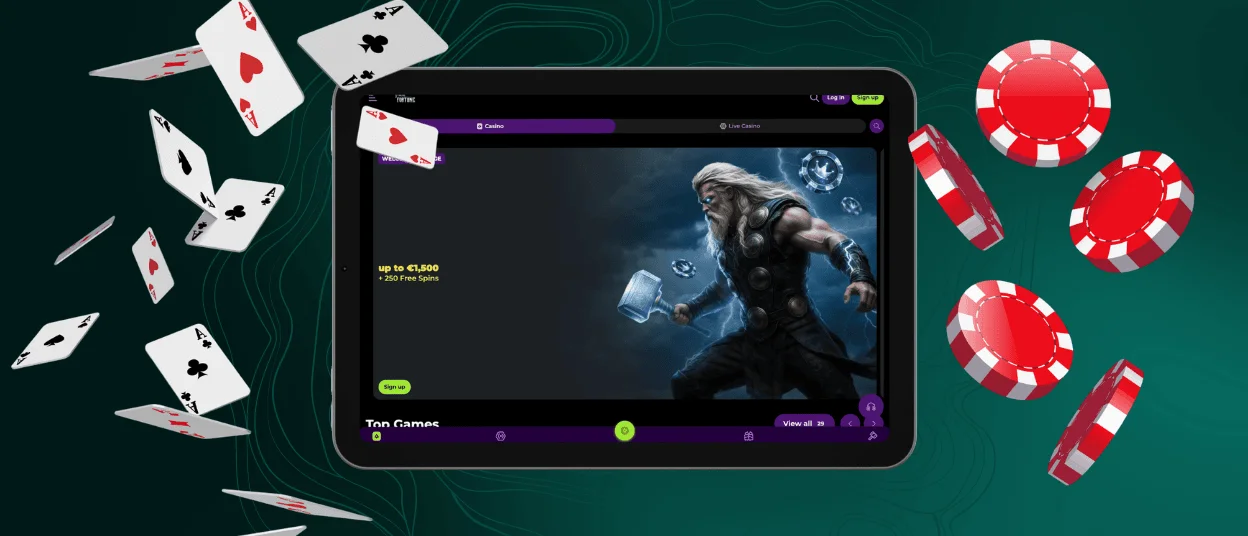
You can get a seamless experience by playing at Thorfortune from your PC or laptop. Users don’t have to install any additional software. Our website is available in any modern browser. To get access to all the available features, log in to your account and start playing.
If you want to access our website in one click, there is an option to install a shortcut icon on your desktop home screen. To do that, you need to go to the page settings of your browser. If you encounter any problems installing the Thorfortune icon, contact our support team via live chat or email.
FAQ
Can I play Live Casino Games on the Thorfortune app?
Yes. The entire game library, including Live Casino Games, is available through the Thorfortune mobile casino. All titles are optimized for touch controls and smaller screens.
Is registration available inside the Thorfortune app?
Yes. New users can create an account directly through the app interface. Before making the first withdrawal, the verification process must be completed.
How are updates handled?
The Thorfortune app operates as a Progressive Web App, meaning updates are applied automatically when the platform is refreshed. No manual downloads are required


